
My new application will be released in the coming days and I plan to release it in two versions - paid and ad-supported free version.
Here is how you can create your lite version in XCode 4 in five easy steps:
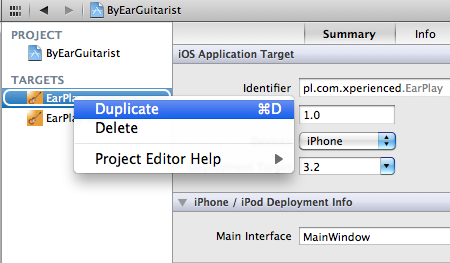
- Duplicate your current target and rename it to something like YourAppName Lite
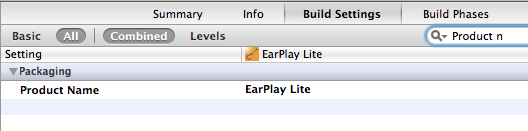
- In YourAppName Lite target go to Build Settings and change Product Name to YourAppName Lite
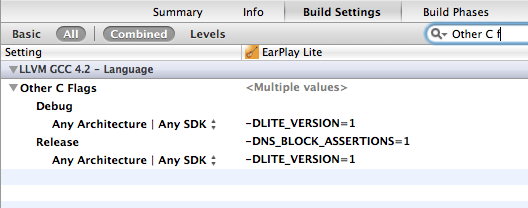
- In YourAppName Lite target edit Other C Flags and for all available configurations add the following value -DLITE_VERSION=1. This setting will be later on used in your code for conditional compilation.
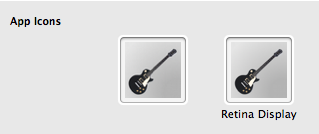
- In YourAppName Litetarget go to summary pane and change your "lite" application icon.
- In your code whenever you want to execute code only for lite version do the following:
#ifdef LITE_VERSION
AdWhirlView *adWhirlView = [AdWhirlView requestAdWhirlViewWithDelegate:self];
adWhirlView.frame = CGRectMake(0, 480 - 50, 320, 50);
[self.view addSubview:adWhirlView];
#endif


